Meet Zapier Today
Zapier automates your daily tasks by connecting your favorite apps seamlessly, saving you time and hassle with just a few clicks.


150+
15
Trusted
Loved
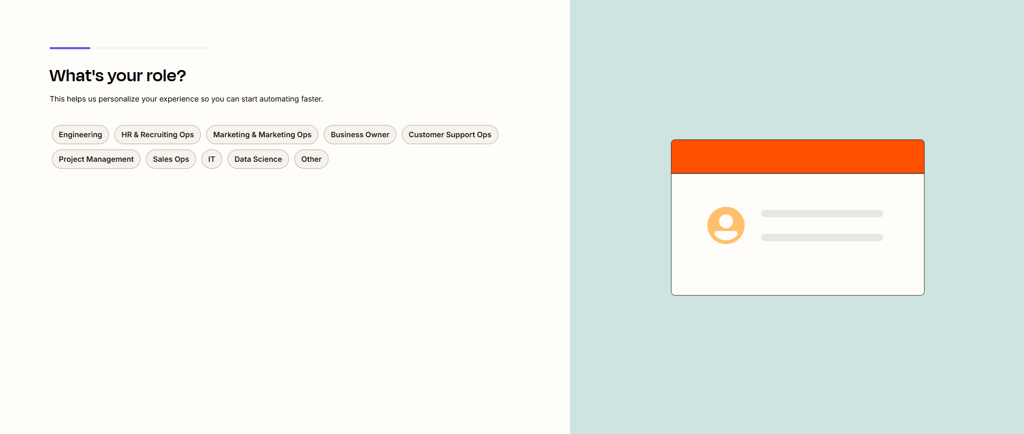
When you first log into Zapier, the dashboard greets you with “What’s your role?” This step is important because it customizes your experience, suggesting relevant apps, workflows, and templates. Choose your role based on your main tasks—options include marketer, developer, business owner, or team member. This ensures the recommended Zaps are most useful for you.
After selecting your role, the main dashboard appears. The key sections are:
Create Zap – Start building your automation from scratch.
Task History – Track your completed automations and check for errors.
Connected Accounts – Link the apps you use daily (Gmail, Google Sheets, Slack, Trello, etc.).
Explore Templates – Browse pre-built automations tailored to your role.
Before creating a Zap, connect the apps you plan to use. This allows Zapier to access the necessary data and perform tasks automatically. Next, understand that every Zap has a Trigger (an event in one app that starts the workflow) and an Action (the task executed in another app).
For beginners, the Explore Templates section is invaluable. You can select pre-made Zaps, test them, and adjust them without starting from scratch. This is a fast way to see automation in action and learn the logic behind Zaps.
To create a Zap manually:
Click Create Zap.
Select a Trigger app and configure the trigger event.
Connect the app account securely.
Choose an Action app and map the data fields so information flows correctly.
Test the Zap to ensure it behaves as expected.
Activate the Zap to run automatically whenever the trigger occurs.
By following these steps, you’ll quickly move from logging in to having your first automation live. Zapier helps reduce repetitive tasks, increase efficiency, and free up time for higher-value work. Familiarity with the dashboard and templates ensures you can build more advanced workflows over time.Escribe tu texto aquí...
Understanding Zapier Basics
Zapier helps you automate repetitive tasks by connecting your favorite apps through simple triggers and actions, saving time and effort.


150+
15
Trusted Worldwide
500+ Apps